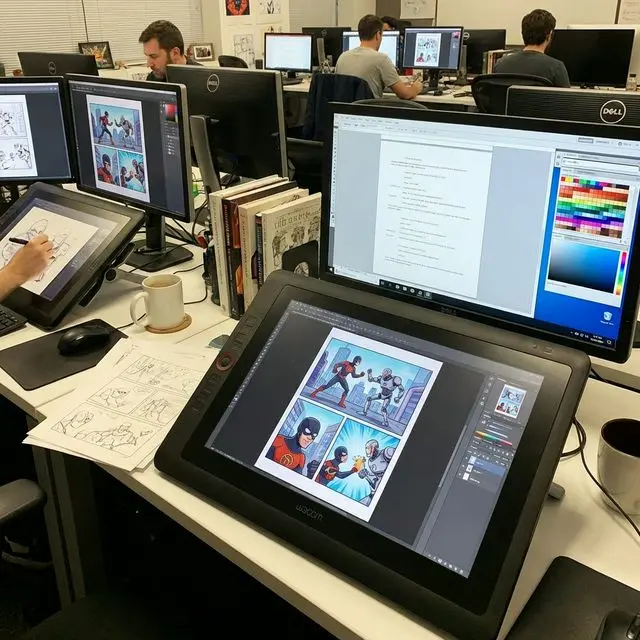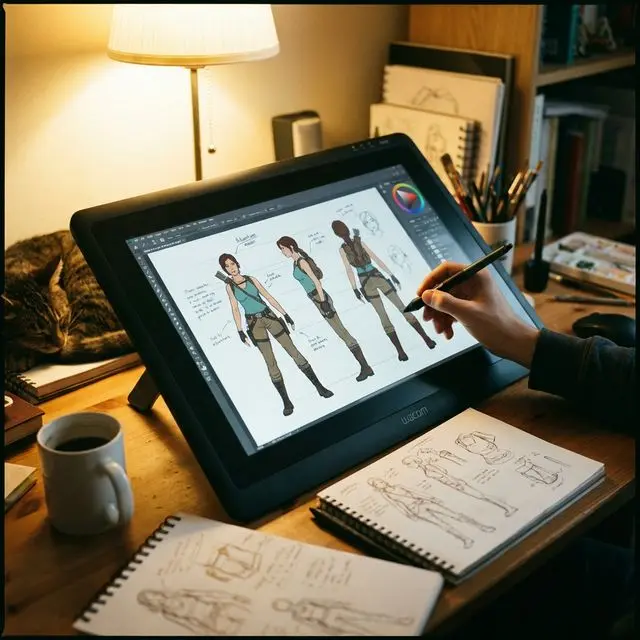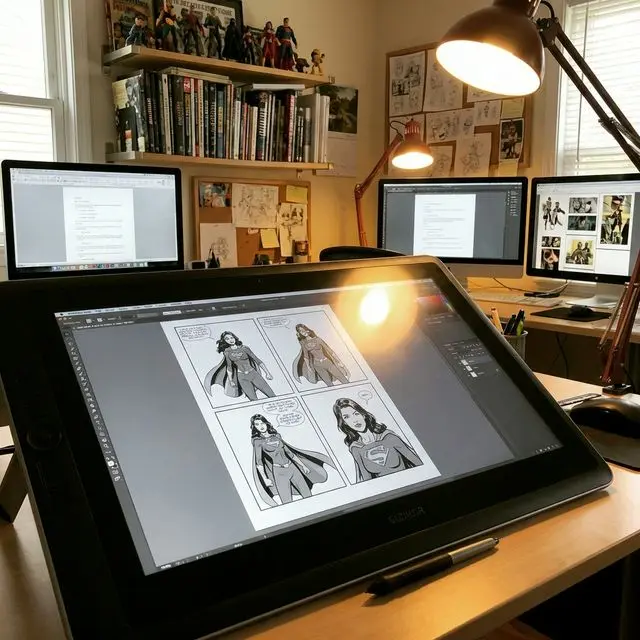
Consistent Character AI
Create character images for stories, comics, and videos. Start from a description or reference image, generate multiple views, refine details, and prepare short clips in one browser workspace. Review each result for continuity before publishing.
Consistent Character Studio
One workspace for your character workflow
Create a reference, compare multiple views, describe edits, and prepare video clips. Reference images help guide the model, but outputs can vary: check faces, outfits, and proportions before reusing a result.

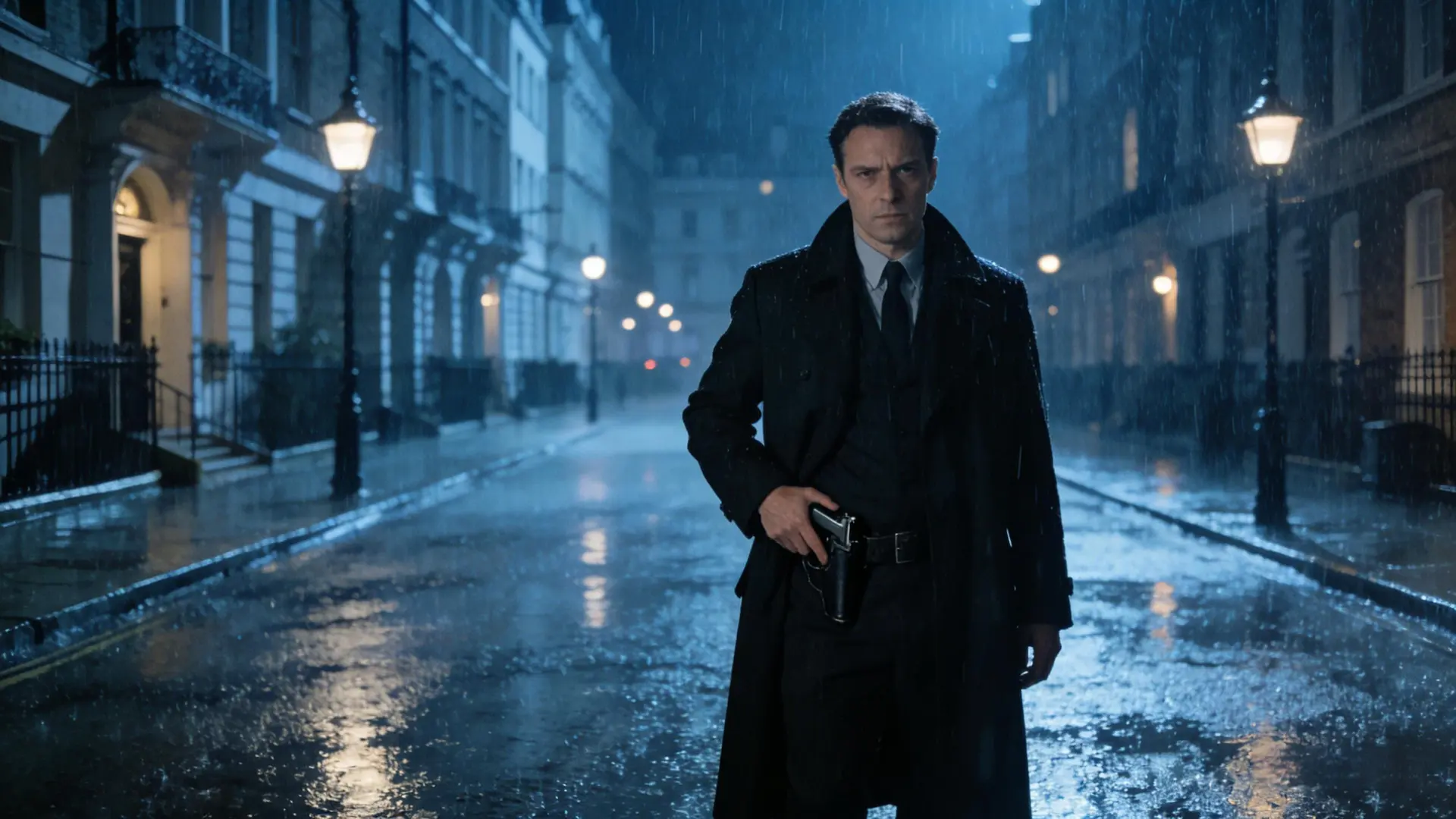


How the workflow unfolds
Step 1 - Create
Describe your character or upload a reference. Generate an image, review it, and save approved results to your library.
Step 2 - Multi-angle
Generate front, side, back, and close-up images. Compare them with your reference and regenerate views that need work.
Step 3 - Edit
Describe a change to an expression, outfit, or background. Compare the new version with the original before saving.
Step 4 - Video
Choose approved reference images, describe motion, and generate a 5- or 10-second video. Video generation uses credits; review the clip for continuity.
Keep your character reference close
Use the same approved image throughout Create, Multi-angle, Edit, and Video. Clear references and focused prompts help keep a character recognizable. Check each result before saving or publishing it.
Reusable reference images
Save approved images to your library and use their image URLs or downloaded files as references in later sessions.
Visible credit costs
Image generations cost 10 credits each. Video costs 20 credits for 5 seconds or 40 credits for 10 seconds.
A workflow for each character
Create and review each character separately. Group scenes may still blend features and need additional editing.
Review before commercial use
Check your rights to reference images and review outputs for third-party rights before using them in a commercial project.
Sound familiar? We fix these frustrations
Character drift can interrupt a story. These reference-based habits help you review and improve continuity.
Face keeps changing between images
Use a clear reference image and compare the face, hair, and proportions after each generation. A reference helps guide identity but does not guarantee an exact match.
Seed hunting wastes hours
Keep an approved reference rather than relying only on a random seed. Reuse the image and a short list of protected features when you prompt a new scene.
Complex ComfyUI workflows
Create, edit, and generate reference views in a browser workspace without setting up a local node graph.
LoRA training needs GPU and datasets
Try reference-guided generation without training a custom model. Quality depends on the source image, prompt, and requested changes.
Characters blend in group shots
Build each character separately and make their traits distinct. Group shots can still blend identities and may require compositing or further editing.
Video frames show face drift
Start with clean, consistent stills and use a focused motion prompt. Review the entire clip for changes to faces, clothing, and props.
Pricing
Choose a monthly credit allowance. Images cost 10 credits each; videos cost 20 credits for 5 seconds or 40 credits for 10 seconds. Image and video estimates are alternatives, not combined allowances. Subscriptions renew monthly until canceled in Billing.
Starter
Includes
- 250 credits per month
- Up to 25 images OR 12 five-second videos
- Create, Multi-angle, Edit, and Video workflows
- Save approved images to your library
- Download generated assets
- Email support
Creator
Includes
- 750 credits per month
- Up to 75 images OR 37 five-second videos
- Create, Multi-angle, Edit, and Video workflows
- Save approved images to your library
- Download generated assets
- Email support
Pro
Includes
- 1500 credits per month
- Up to 150 images OR 75 five-second videos
- Create, Multi-angle, Edit, and Video workflows
- Save approved images to your library
- Download generated assets
- Email support
Answers for Consistent Character Creators
Practical answers about references, generation costs, and output review.
Choose your character workflow
Start with the consistent character AI generator, then follow a workflow for your project or compare reference-based generation with other tools.
Use cases
Ready to ship consistent characters?
Try the studio with free credits, or contact support with questions about your workflow.